Note
Access to this page requires authorization. You can try signing in or changing directories.
Access to this page requires authorization. You can try changing directories.
In the Properties folder in an ASP.NET Core project, you can find the launchSettings.json file, which contains settings that control how your web app is started on your development machine. For detailed information on how this file is used in ASP.NET development, see Use multiple environments in ASP.NET Core.
You can edit this file directly, but in Visual Studio IDE, you can also edit the properties in this file through the UI. Choose the dropdown list next to the launch option (for example, Docker or .NET SDK), and then choose Debug Properties for a single-container project.
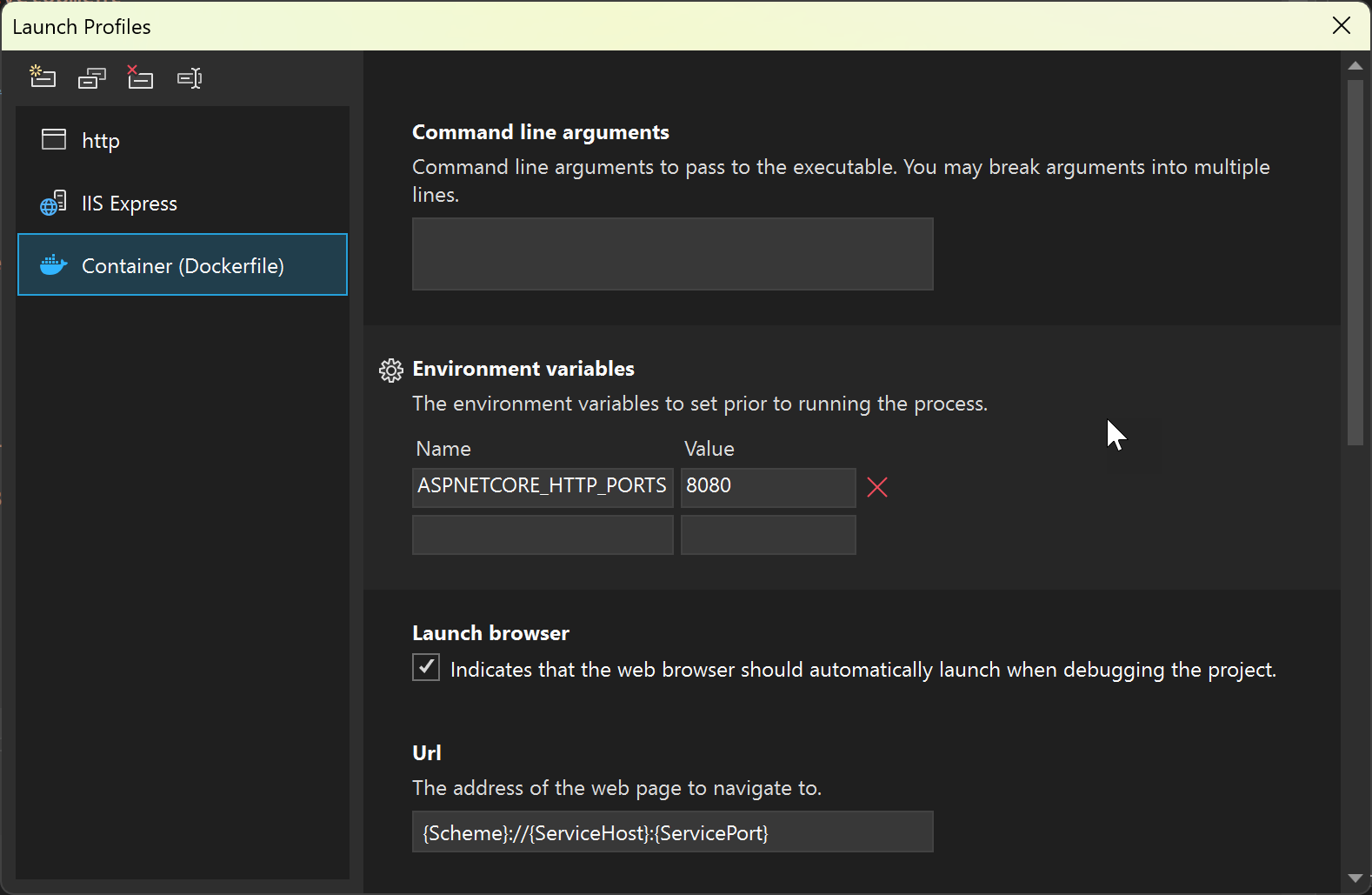
For Docker Compose, choose Manage Docker Compose Launch Settings, and see Launch a subset of compose services.
In launchSettings.json, the settings in the Docker section are related to how Visual Studio handles containerized apps.
The commandName setting identifies that this section applies to Container Tools.
The following table shows the properties that can be set in this section:
Next steps
Configure your project by setting the Container Tools build properties.