Hello there,
I have MS Teams application installed on my PC that is part of the Microsoft 365 family bundle. I believe the app has been set to automatically sign in when I restart the PC or the Windows or if I start up the MS Teams.
However, from one particular meeting organiser, whenever I try to join his meeting, using the provided MS Teams meeting link, it goes to my default browser with the request to join options and from these options, I usually select the "join on the Teams app" option, even though I have my Teams application open in my desktop
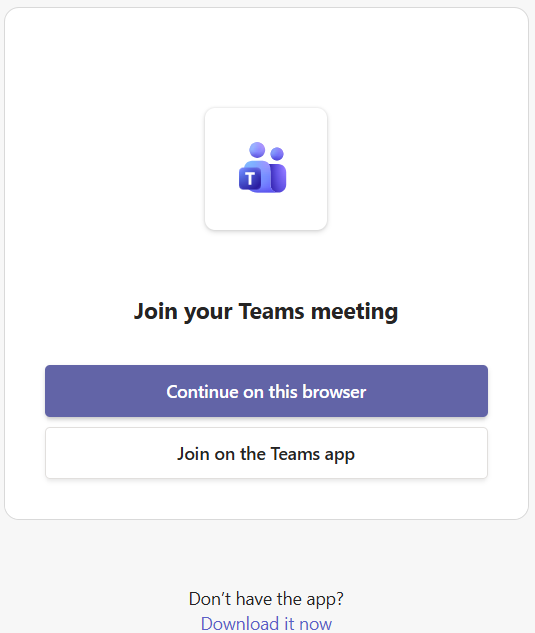
Then the meeting went as normal. I had requested that the meeting be recorded and transcribed. Once the meeting ends, the meeting's recap or transcription is shared by the meeting organiser. However, this is where I cannot download the meeting's recap. When I click the link, similar like before, the default browser came with the "join the conversation" options:
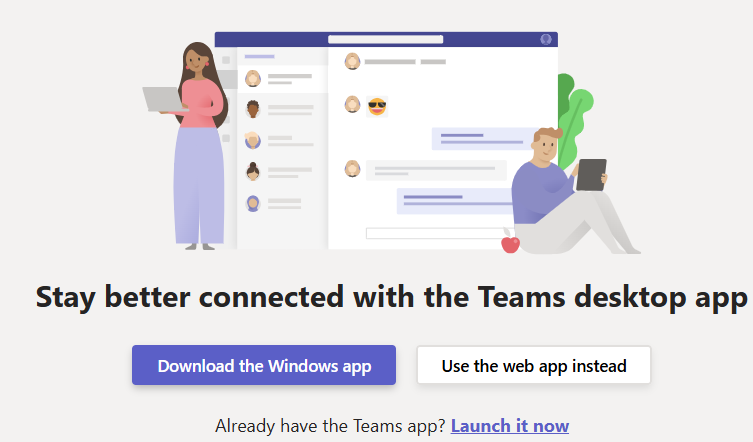
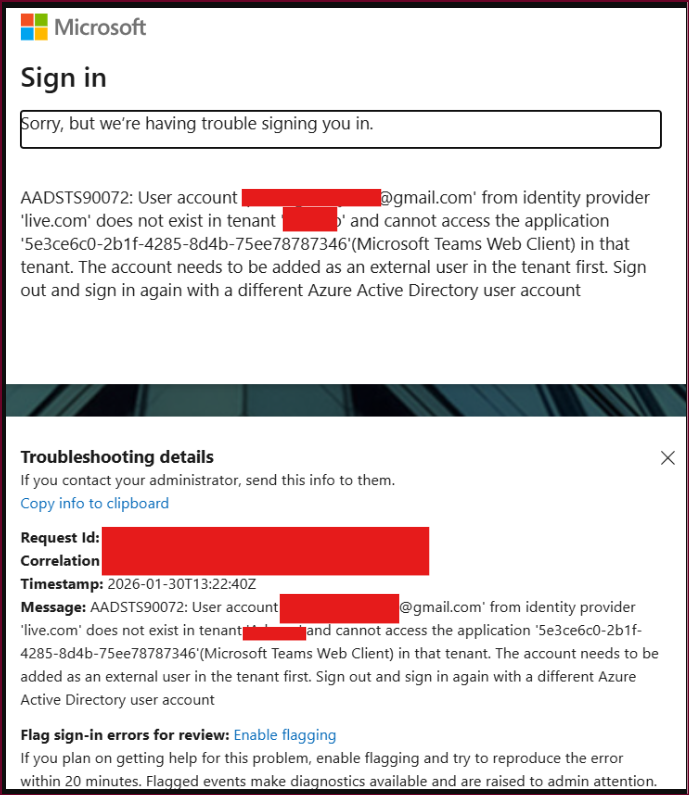
Now, I have tried all three options and none of them can solve the issue which is to download the meeting's recap. The download option will end up with the application already existing message. The "use the web app instead" lead into another sign in and ended with having trouble to sign me in:
Lastly, the "already have the Teams app and launch the app" option will open the Teams app and request me to sign in, although I already have the Teams app open and running:

and then once I have signed, it just went into the Teams main page and that's it. I still cannot download the meeting's recap.
The quickest way to solve the issue is to request the organiser to have the meeting's recap available in SharePoint and for me to grab the file from there. However I want to know if there is a way to solve the issue so I don't have to make the same request to the organiser every time we have a Teams meeting.
Therefore, I need help or a solution from everyone to solve this issue.
My apologies for the long explanation.
Thank you in advance
' cx='32' cy='32' r='32' /%3E%3Ctext x='50%25' y='55%25' dominant-baseline='middle' text-anchor='middle' fill='%23FFF' %3EPA%3C/text%3E%3C/svg%3E)