Hi Dani_S,
Thanks for your response. The Copilot folder is created after you sign in with your GitHub account. Once signed in, just start asking questions and the folder will be created automatically.
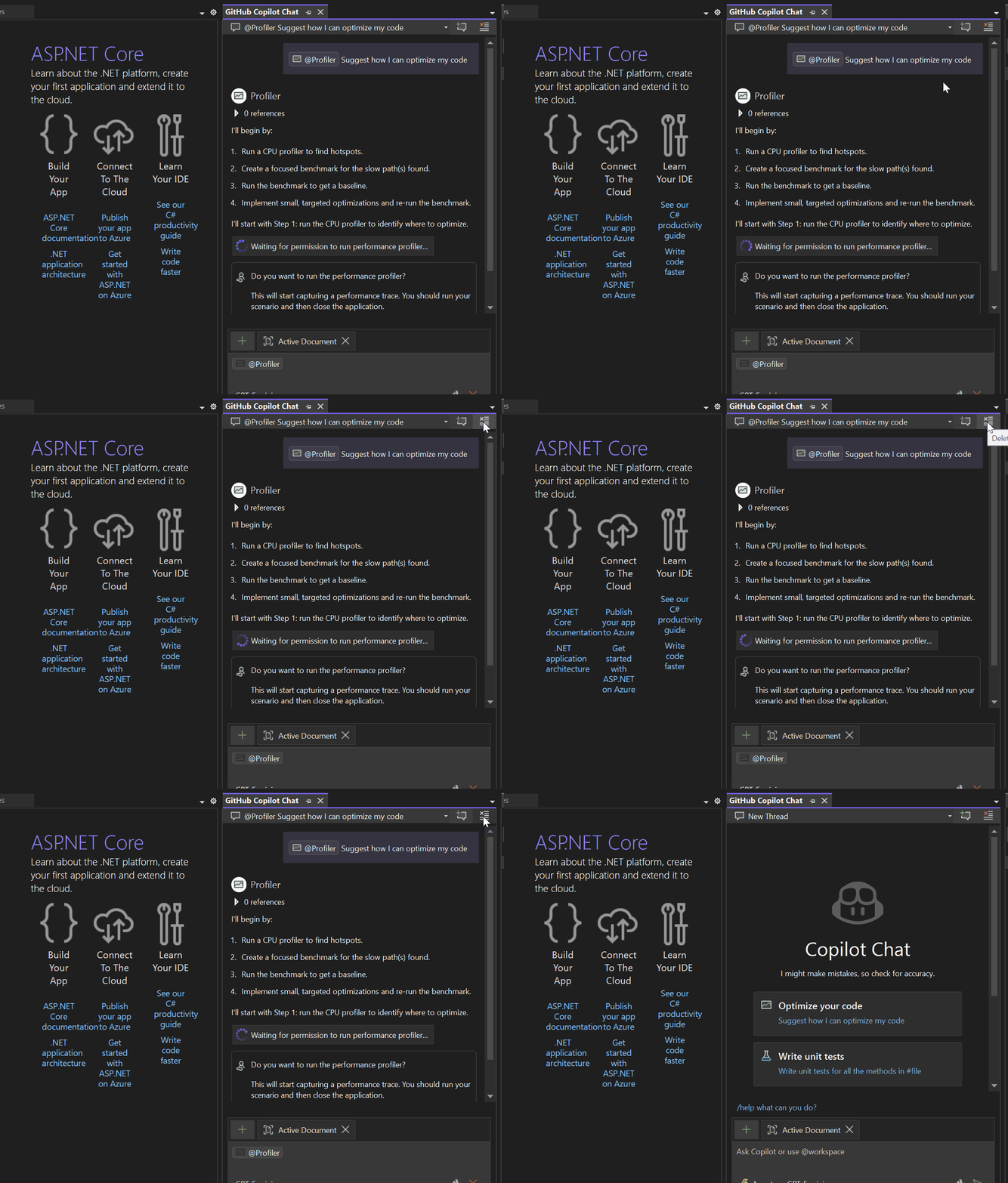
Alternatively, you can click Delete Thread in the GitHub Copilot window to clear the previous conversation, instead of deleting the folder manually.
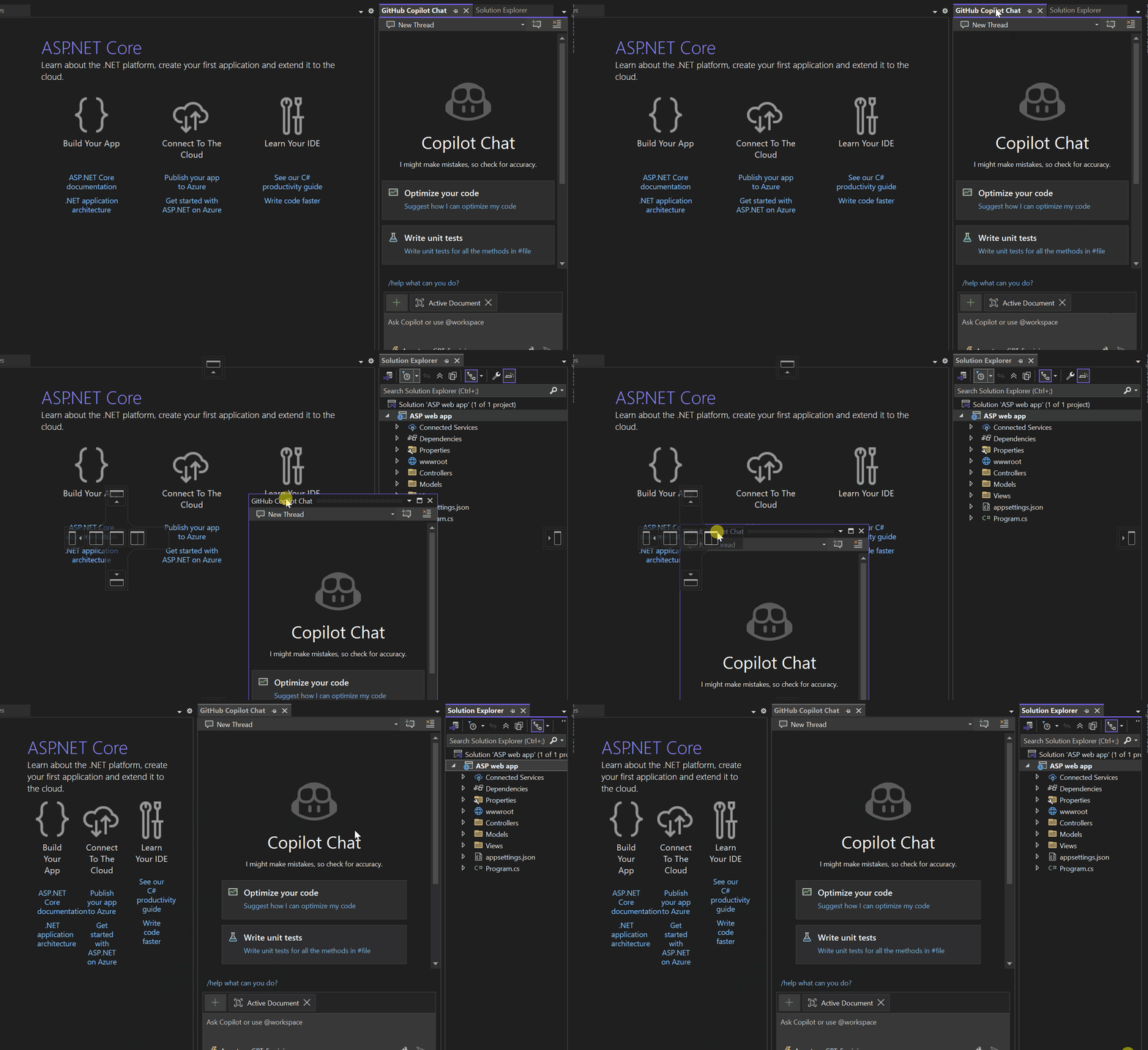
To set up GitHub Copilot Chat windows side by side, you can follow the steps shown in my gif below. Please drag and drop to correct side by side icon.
I hope this helps resolve your concern. If you have any other questions, feel free to let me know in the comment.
' cx='32' cy='32' r='32' /%3E%3Ctext x='50%25' y='55%25' dominant-baseline='middle' text-anchor='middle' fill='%23FFF' %3ED%3C/text%3E%3C/svg%3E)
' cx='32' cy='32' r='32' /%3E%3Ctext x='50%25' y='55%25' dominant-baseline='middle' text-anchor='middle' fill='%23FFF' %3ELT%3C/text%3E%3C/svg%3E)