' cx='32' cy='32' r='32' /%3E%3Ctext x='50%25' y='55%25' dominant-baseline='middle' text-anchor='middle' fill='%23FFF' %3EB%3C/text%3E%3C/svg%3E)

' cx='32' cy='32' r='32' /%3E%3Ctext x='50%25' y='55%25' dominant-baseline='middle' text-anchor='middle' fill='%23FFF' %3EMP%3C/text%3E%3C/svg%3E)
If you don’t have an account signed in to OneDrive, use these instructions to start OneDrive.
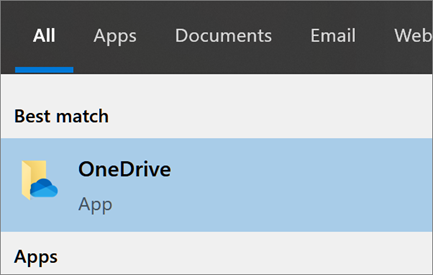
- Select the Start button, search for “OneDrive”, and then open it:
- In Windows 10 or 11, select OneDrive.
- In Windows 10 or 11, select OneDrive.
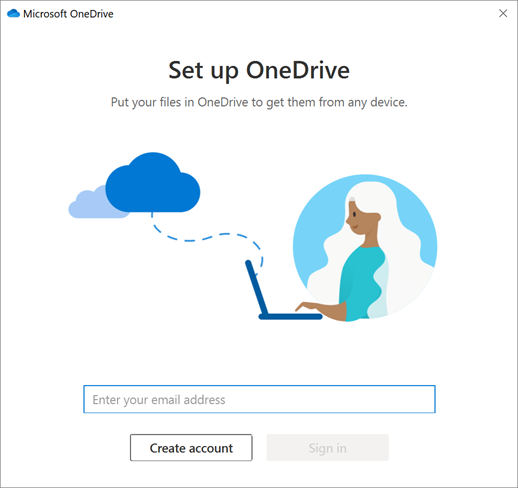
- When OneDrive Setup starts, enter your personal account, or your work or school account, and select Sign in.
If the above response helps answer your question, remember to "Accept Answer" so that others in the community facing similar issues can easily find the solution. Your contribution is highly appreciated.
hth
Marcin